
Download Zippl
For Windows & Android.
Get the full power of offline-first POS billing on your counter PC and mobile devices. Sync seamlessly across all your shop counters.
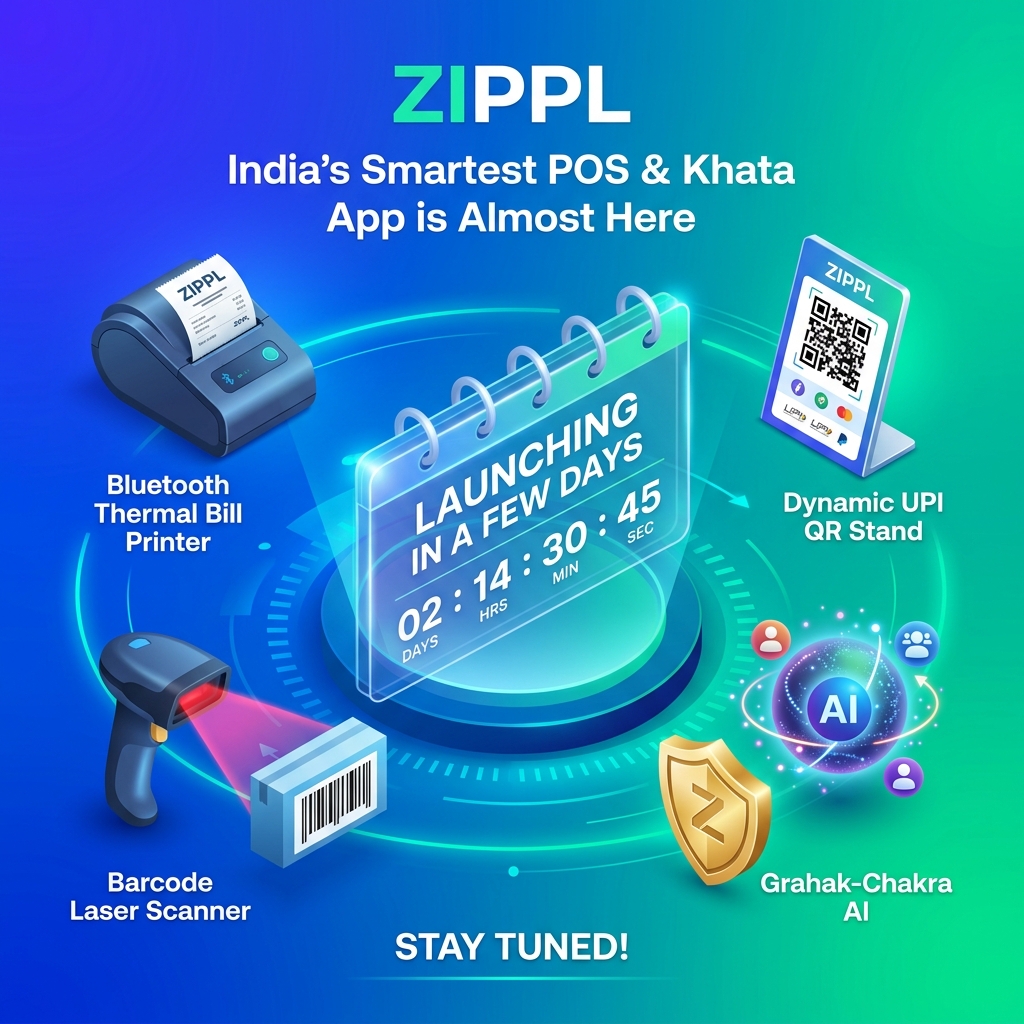
Install on Any Counter Screen
Download the official build for your operating system.
Zippl for Windows PC
Optimized for retail desktop counters, thermal receipt printers, USB barcode scanners, and keyboard shortcuts.
Download for Windows (.exe)- Windows 10 / Windows 11 (64-bit)
- 4 GB RAM minimum (8 GB recommended)
- ESC/POS Bluetooth & USB thermal printer support
- Offline local storage engine
Zippl for Android Mobile & Tablet
Carry your billing counter and customer khata in your pocket. Bill on the go and send 1-tap WhatsApp reminders.
Download Android APK- Android 8.0 (Oreo) or higher
- Smartphone & Tablet optimized layout
- Camera barcode scanner & Bluetooth printer support
- 1-Tap WhatsApp direct sharing
Get Started in 2 Minutes
Zero complicated training required. Start generating bills in 3 simple steps.
Download & Sign In
Install Zippl on your device. Sign in using your email and verify in 5 seconds.
Add Shop & GST Details
Enter your shop name, store address, contact number, and optional GSTIN.
Scan & Start Billing!
Add products or scan barcodes, select cash/credit, and print thermal receipts immediately.
How Zippl's Offline Sync Works
We built Zippl with local-first technology so your business never stops.
On-Device Local Storage
Every invoice, item, and customer ledger entry is written directly to your computer's high-speed local disk instantly.
Automatic Replication
When an internet connection is available, background delta sync replicates encrypted data to the cloud without interrupting cashiers.
Encrypted Cloud Vault
Multi-tenant isolated cloud backup ensures your business records are safe even if your hardware device is lost or replaced.